Coming soon

Omicron

Digital and analog electronics in one desktop app.

What you can do

  1. Check as you type

    Verilog and SystemVerilog, with problems underlined while you are still writing them.
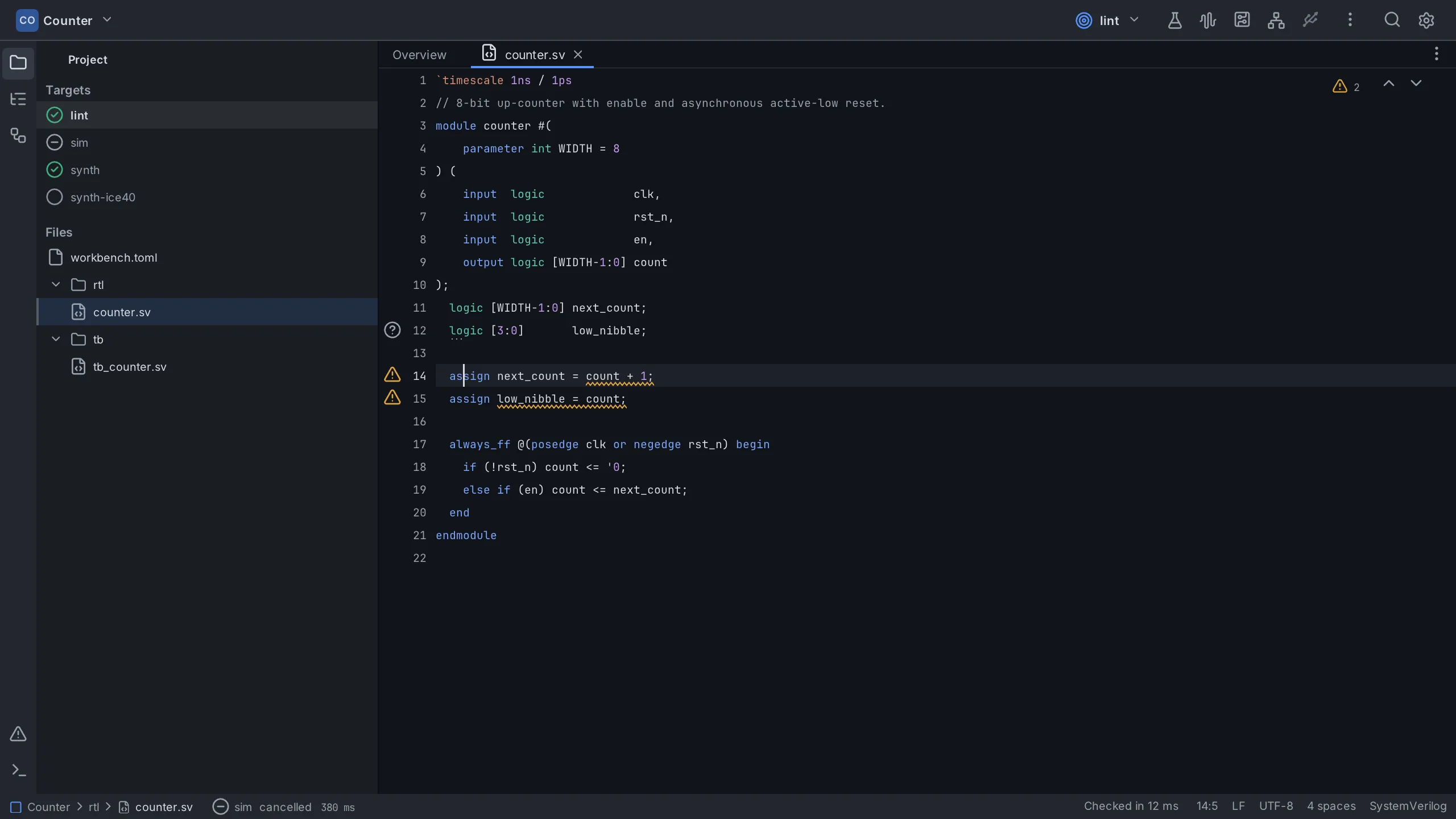
    Omicron's RTL Studio editing a SystemVerilog counter, with two lint warnings underlined.
  2. Read the waveforms

    Drop cursors, set markers and measure the time between any two edges.
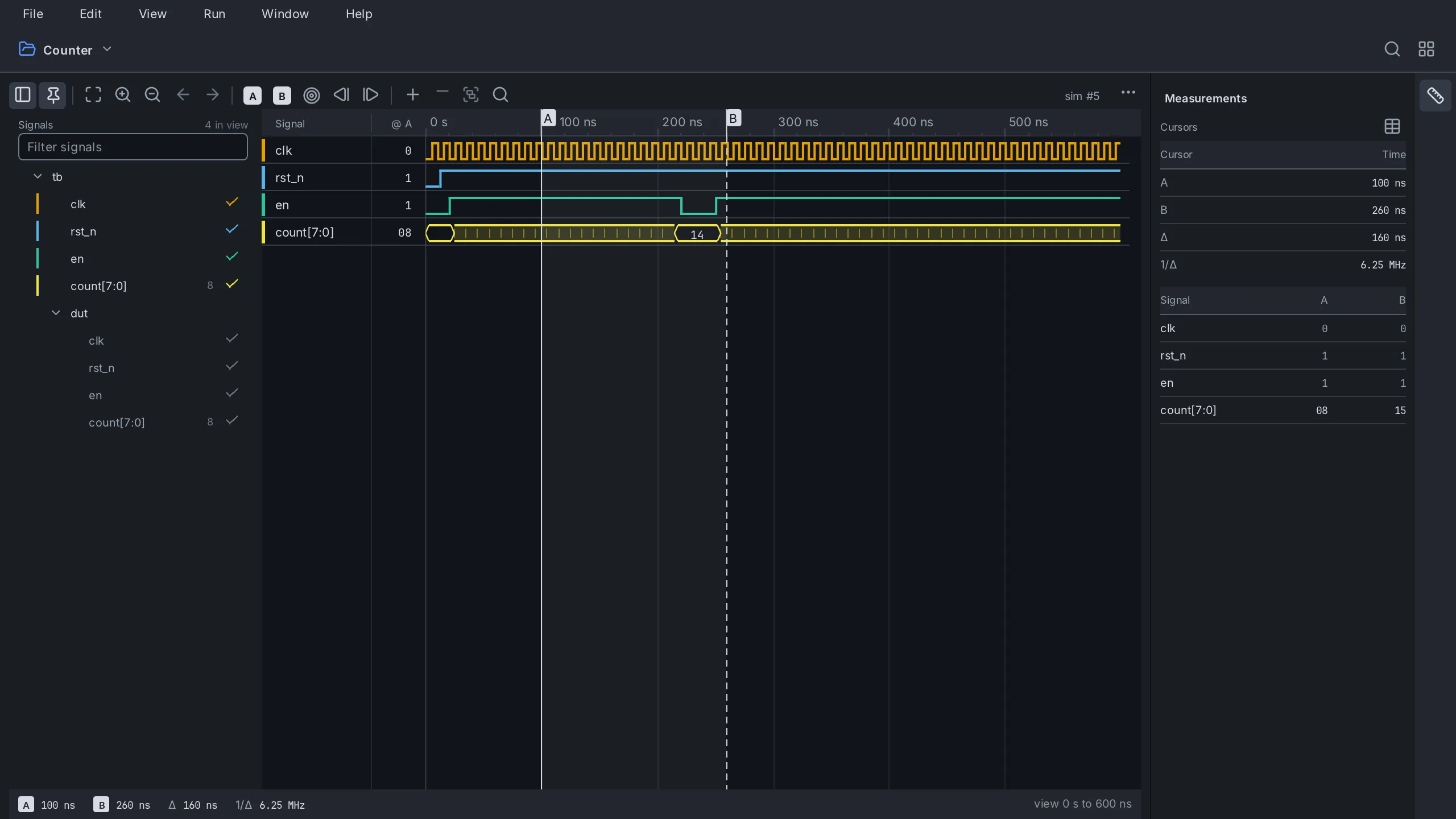
    Waveform Analyzer showing clock, reset, enable and an 8-bit count with two cursors.
  3. Simulate circuits

    Run SPICE netlists and see Bode, transient and DC plots beside the source.
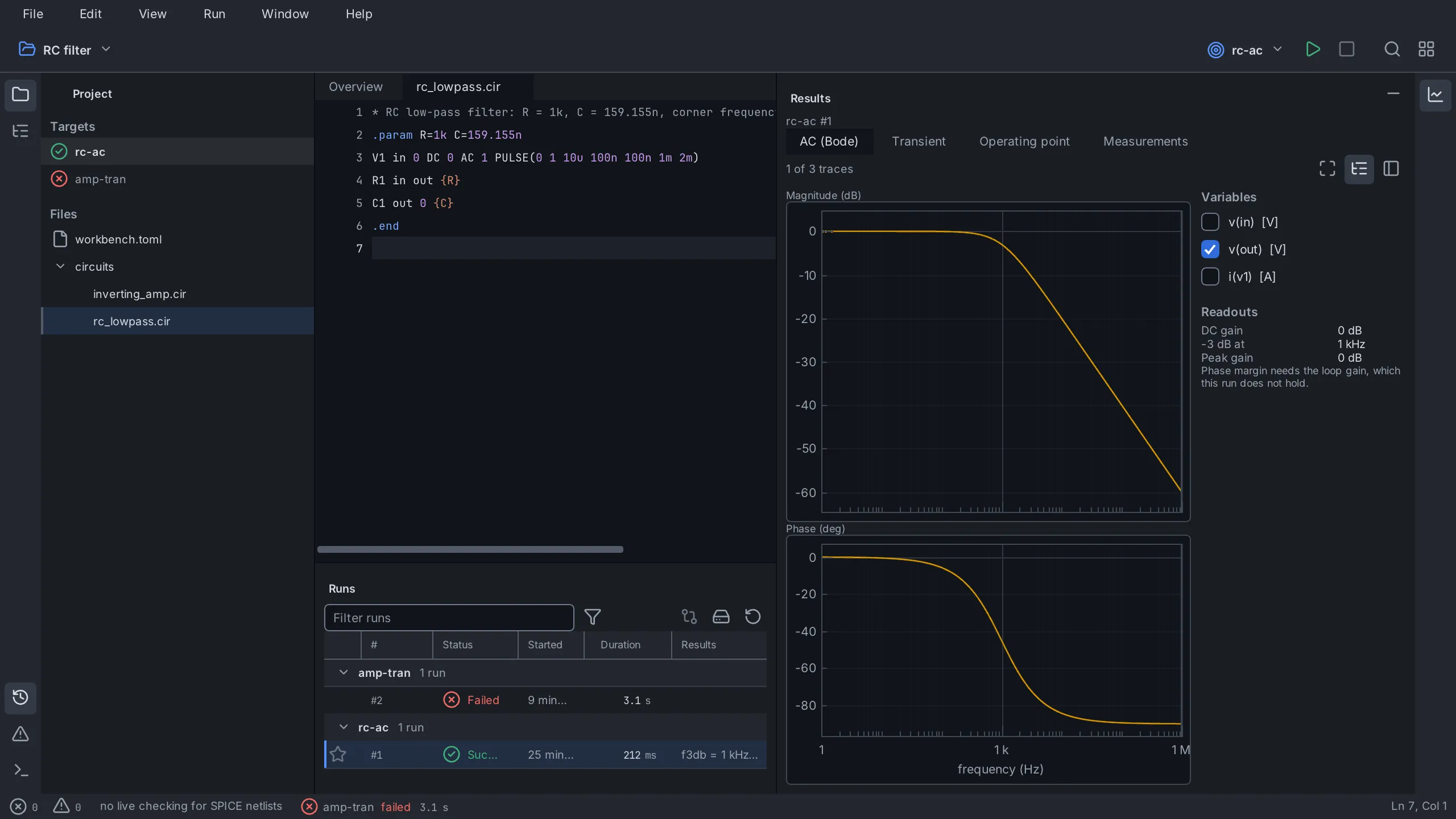
    Circuit Studio showing an RC low-pass netlist beside its Bode plot.
Omicron's RTL Studio editing a SystemVerilog counter, with two lint warnings underlined.
Waveform Analyzer showing clock, reset, enable and an 8-bit count with two cursors.
Circuit Studio showing an RC low-pass netlist beside its Bode plot.
  • C++
  • Verilog
  • SystemVerilog
  • SPICE
  • FPGA
  • Simulation
  • Waveforms
  • Bode plots
  • Synthesis
  • Lint
  • Command line